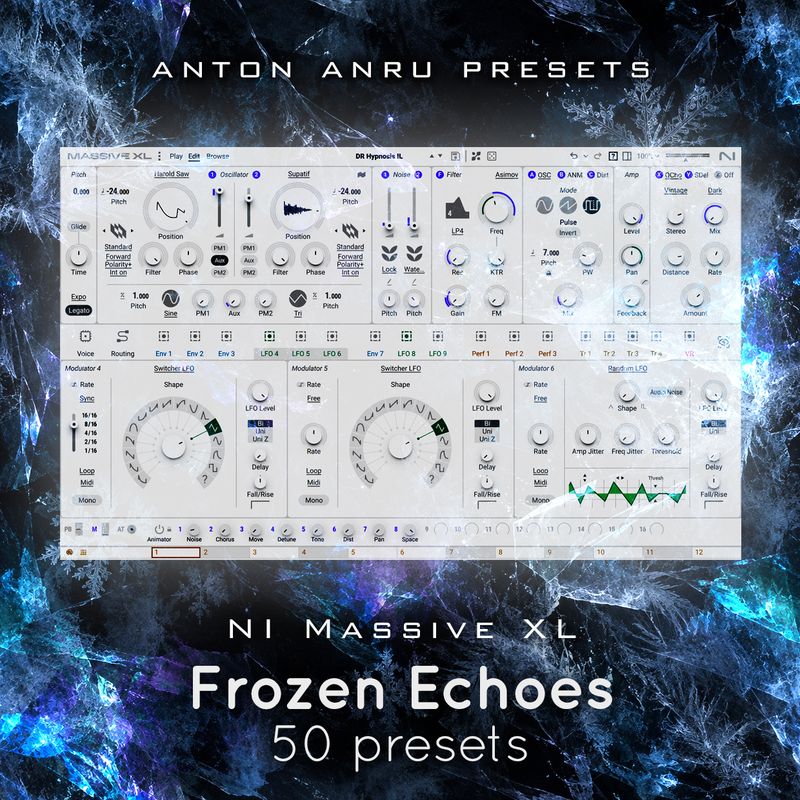
Native Instruments Massive XL - Frozen Echoes (50 Presets by Ilian)
All soundsets for VST-synths:
➡️ Arturia Minifreak - All Soundsets
➡️ Arturia Minifreak - 📚 BUNDLES (20-45% Discount)
➡️ Arturia Pigments/Analog Lab/AstroLab - All Soundsets
➡️ Moog Mariana - All Soundsets
➡️ Synapse Audio Legend HZ - All Soundsets
➡️ Synapse Audio Legend HZ - 📚 BUNDLE (25 % Discount)
➡️ Synapse Audio Dune 3 - All Soundsets
➡️ Minimal Audio Current - All Soundsets
➡️ Ableton Live - All Soundsets
➡️ GForce Bass Station - All Soundsets
➡️ Reveal Sound Spire - All Soundsets
➡️ U-He Bazille - All Soundsets
➡️ Spectrasonics Omnisphere - All Soundsets
🔔 Minifreak, Pigments, and Buchla Easel presets can be imported into Arturia Analog Lab V.
If you like these sounds but don’t have Minifreak or Pigments and only own the Analog Lab V plugin, you can still purchase these sets and load them into Analog Lab V.
✨ Frozen Echoes is a collection of 50 atmospheric presets for Massive XL, designed for producers looking for deep, spacious, and evolving soundscapes.
🌫️ The bank explores a distant and weightless sonic world, combining airy pads, cinematic strings, deep drones, and abstract textures. The sounds range from soft and delicate atmospheres to darker, more mysterious layers, creating a sense of distance, depth, and movement.
📦 The soundset includes:
• 12 Drones
• 12 Pads
• 13 Strings
• 13 Textures
🎛️ Each preset features 8 Macros for shaping movement, brightness, modulation, texture, and spatial character. The ModWheel adds extra expression and opens up new tonal possibilities.
🎬 Perfect for Ambient, Cinematic, IDM, Drone, Experimental Electronica, and atmospheric sound design for films, games, and visual media.
💡 Technical Info – How to Import Presets
Open the plugin menu, select Show User Content Folder, and open the Presets folder. Drop the folder Anton Anru Presets - Frozen Echoes (by Ilian) into it. Restart the plugin. The new presets will appear in the User section (the human icon in the upper left corner of the browser).